Your circle, on one map
Create a group for friends or family and see up to 50 devices together. A shared view of wherever the day takes you.
Life takes you places. Keep your people close with simple, private location sharing for friends and family.
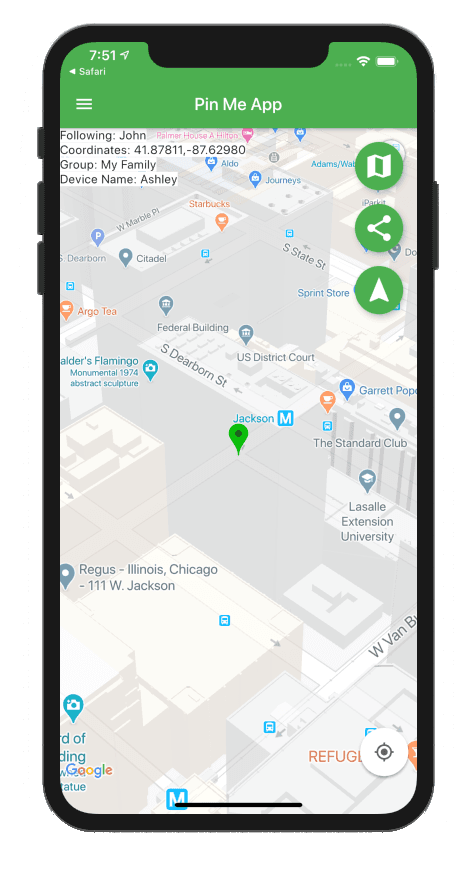
From a day out with friends to the everyday family routine, Pin Me makes staying connected a little simpler.
Create a group for friends or family and see up to 50 devices together. A shared view of wherever the day takes you.
Invite people by text or email. No registration and no lengthy setup. Just share your group link and get going.
Location updates are encrypted so only members of your group can read them. No personal details needed to join.
Download Pin Me, open your default group, and give your group and device a name.
Send your group’s invitation link by text or email to the people you want to share with.
Allow location access and see your group’s devices together. Head out and stay connected.
A map, your groups, and the settings you need.
Take a look at Pin Me in action.
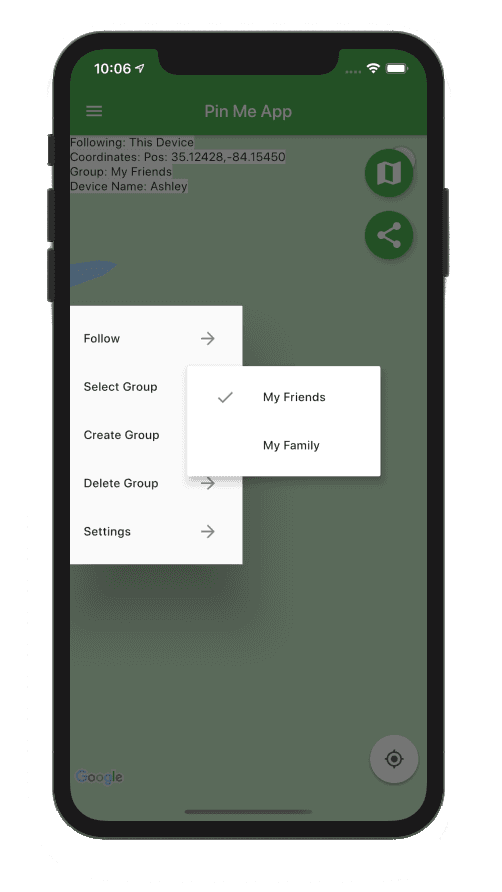
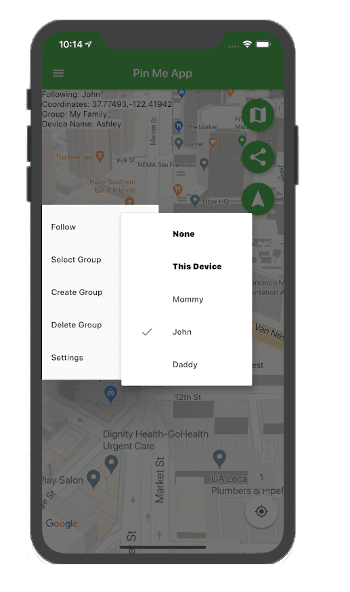
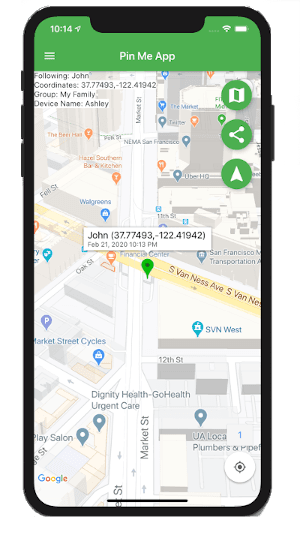
Pin Me is a location-sharing app for friends and family. Create a private group, invite your people with a link, and see the devices in your group on a map. A group can include up to 50 devices.
Install Pin Me from your app store. The app creates “My Group” and names your device “My Device.” You can rename both in Settings, then share your group’s invitation link by text or email. Your friends can install the app and join your group.
No registration is required to create or join a group. You can get started without entering personal information.
With the app open, location updates can be sent as frequently as every 15 seconds. In the background, iOS or Android controls when updates are sent, so timing can vary. Location permissions, connectivity, and device settings affect updates.
Pin Me needs location access and an internet connection to share device locations. To share while the app is in the background, allow background location access in your device settings. The available options depend on your operating system and version.
Yes. Pin Me does not display ads. Check the App Store or Google Play listing for current availability.
Make a little room on your phone for the people who matter.
Available for iOS and Android. Store availability may vary.We’re the people behind Pin Me. Have a question, an idea,
or a little feedback? We’d love to hear it.